Categories, Offices & Vendors
Use consistent categories, office names and supplier records to organize the inventory.
Choose categories people recognize
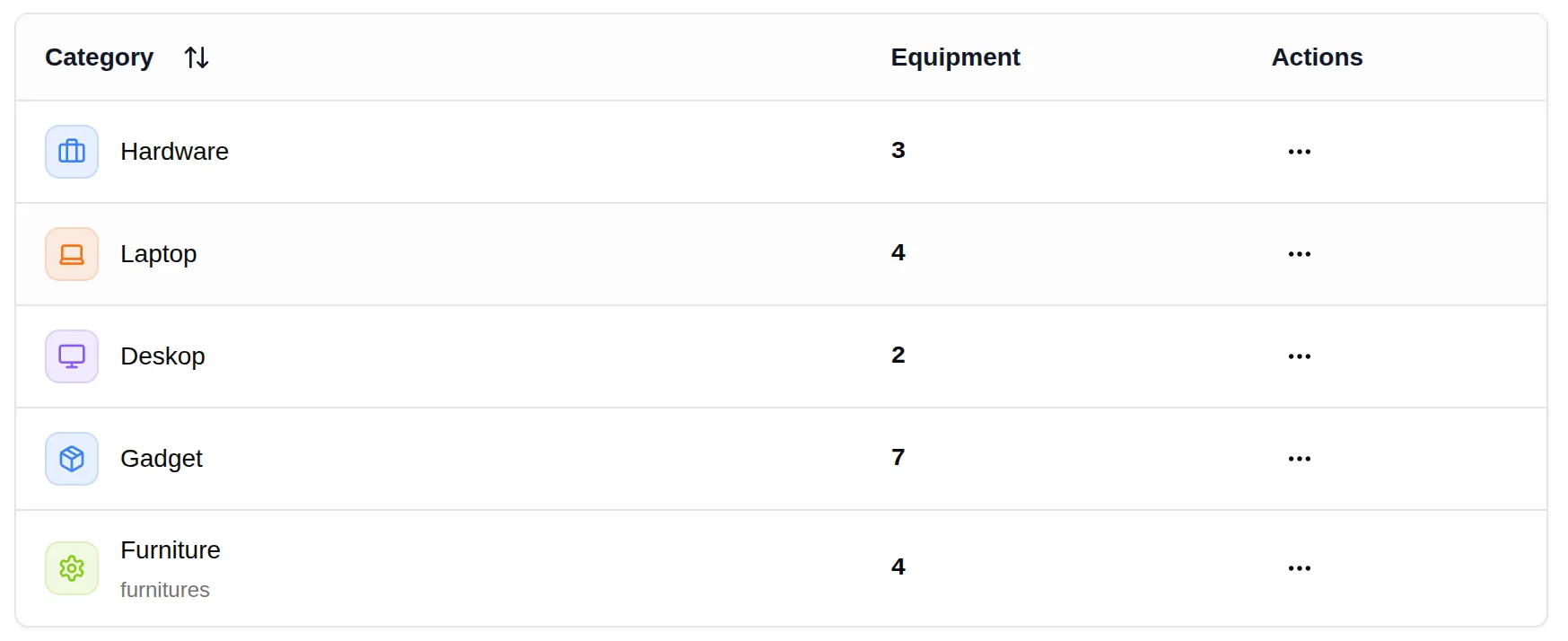
Open Categories to add or edit equipment types such as Laptop, Monitor, Camera or Tool. Use one spelling for each type and apply it consistently on equipment records.
Check for existing categories before adding a new one. A shared category makes filtering and category reporting useful.
Use offices for locations within one organization
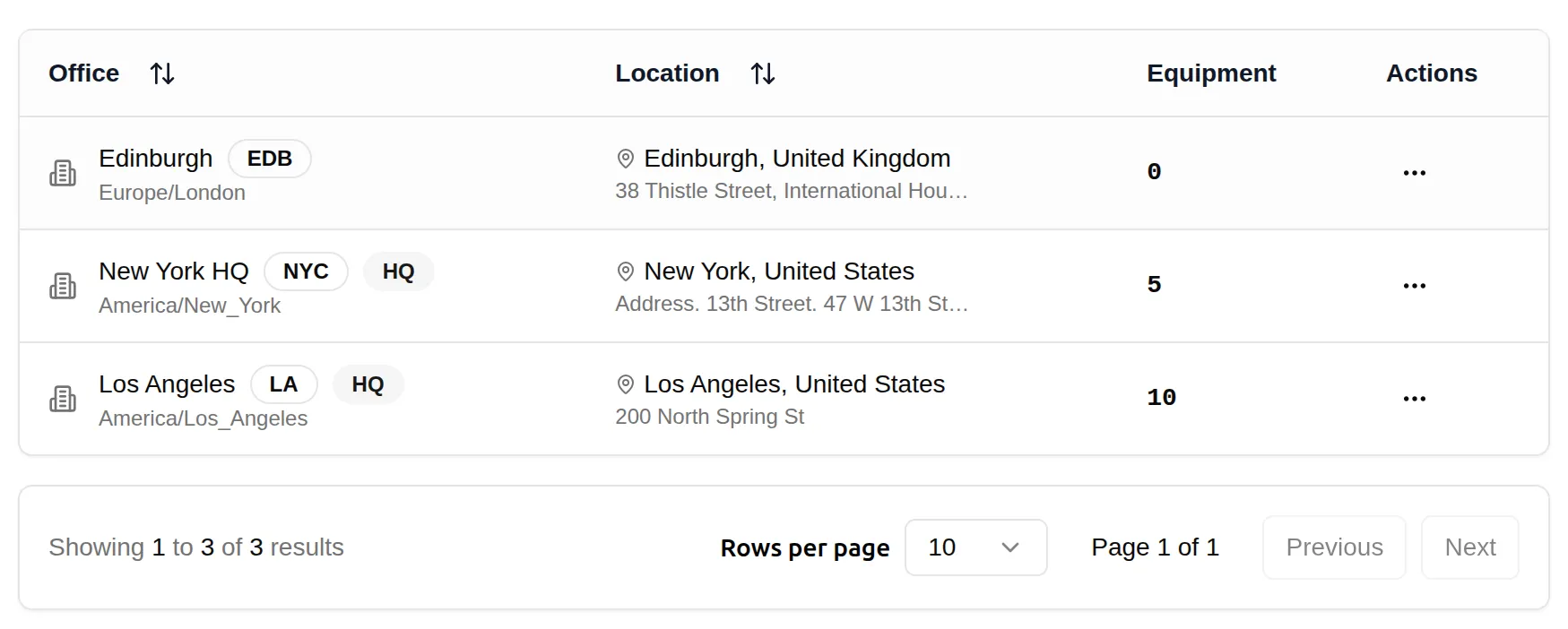
Open Offices and add the places your team uses. Link each item to the appropriate office, then filter Equipment by office when reviewing a site.
Update the equipment’s office when it moves. Keep the employee assignment current as well: the recorded office and the person using an item are different pieces of information.
Keep the supplier connected to the item
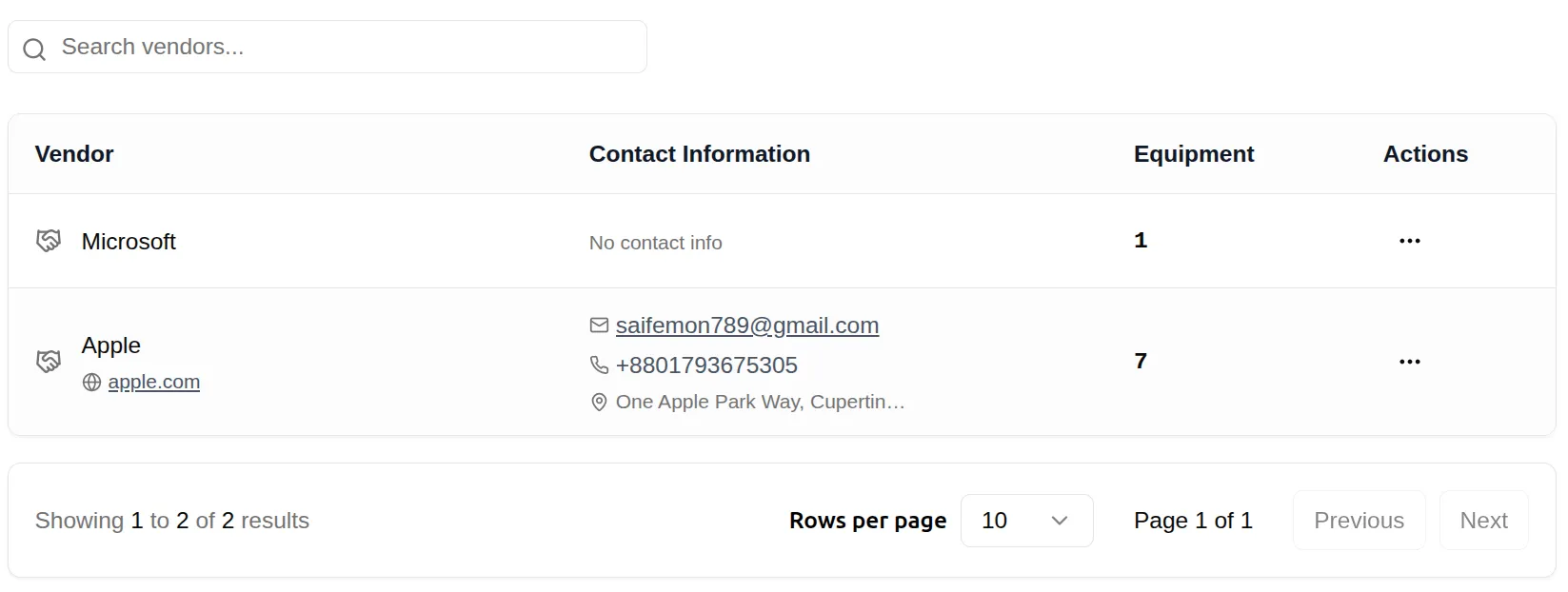
Open Vendors and add the supplier’s name, contact details and website. Select that vendor on the equipment record.
Use the item’s vendor and warranty information when arranging a repair or replacement. Avoid duplicate vendor records with slightly different names.
Was this article helpful?
Let us know if you found this guide useful or if you have suggestions for improvement.